☝️ UI Overview
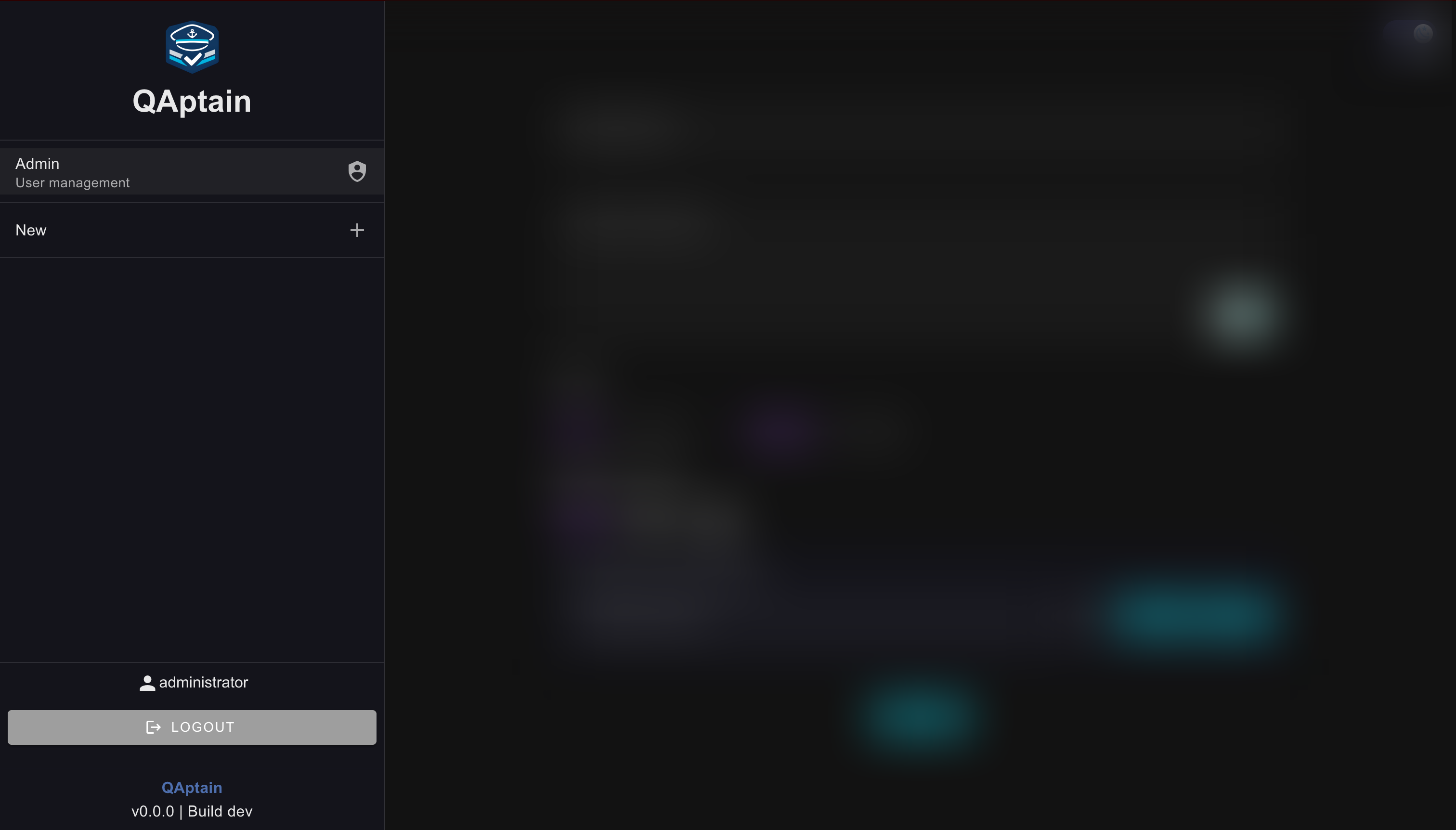
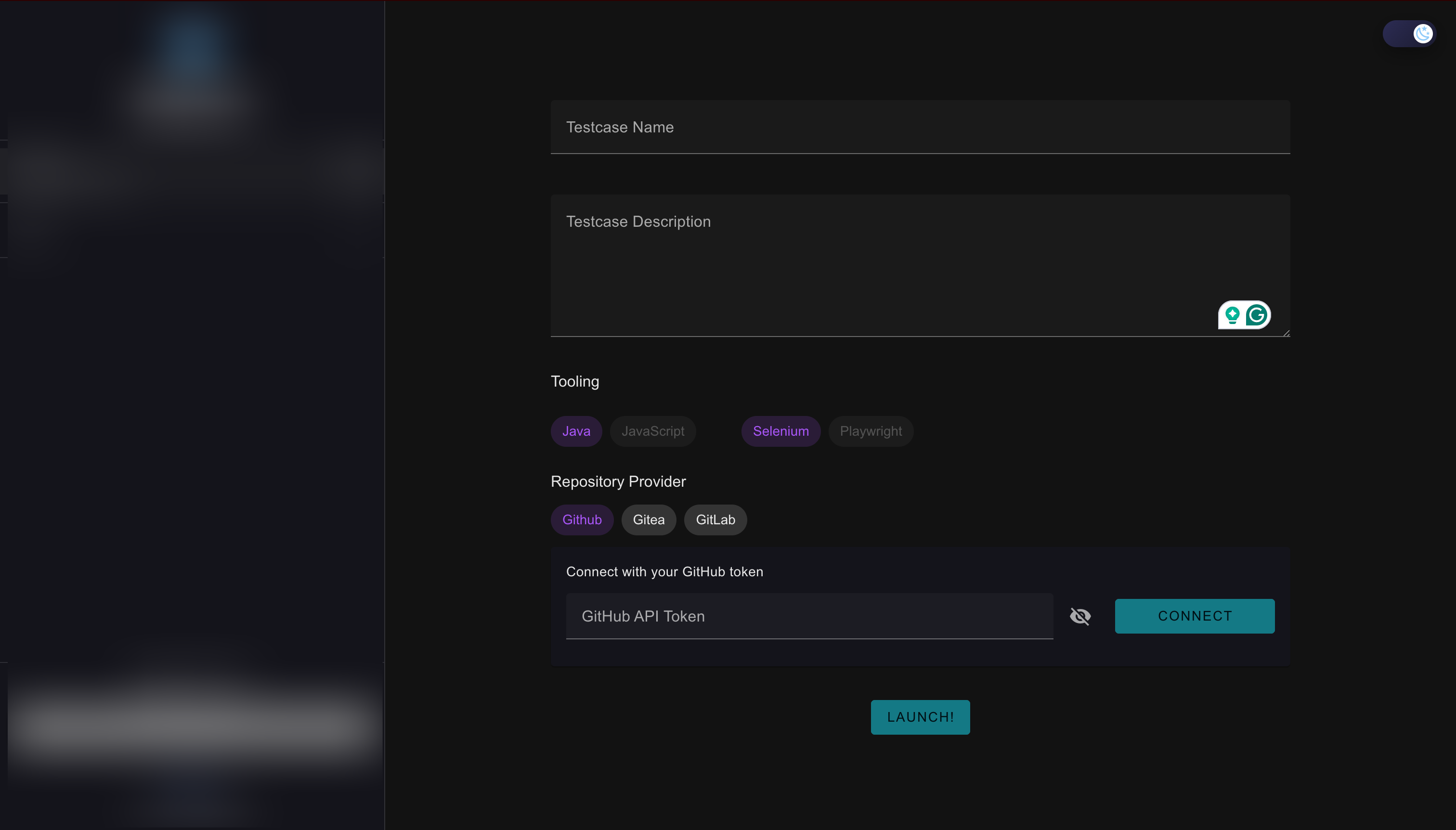
QAptain is organized into two main areas.
Sidebar
Main Panel
•
Lists all jobs
•
Displays job status icons
Provides access to:
◦
Admin dashboard
(admins only)
◦
Logout
•
Job creation
•
Job details
•
Results and logs
•
Admin views
i
Tip
Most actions start in the main panel, while navigation and job status live in the sidebar.